Short illustrated guides
CoCalc Guides
Narrative guides for using CoCalc-AI in real research, teaching, and software work, where files, notebooks, terminals, chat, and agent threads are collaborative by default.
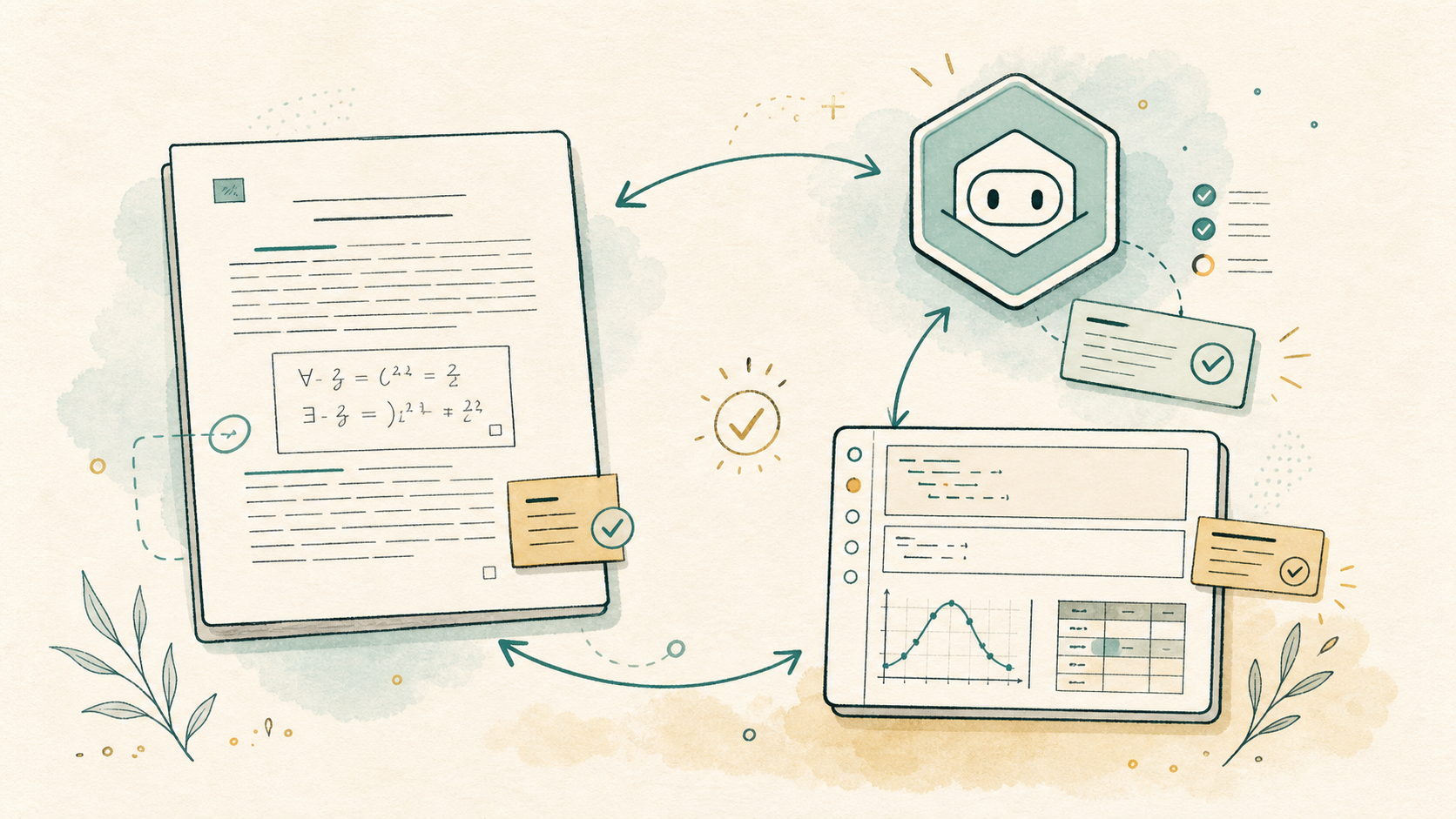
Polish a LaTeX draft with Codex, Jupyter, collaborators, and project history in one workspace.
Read the guide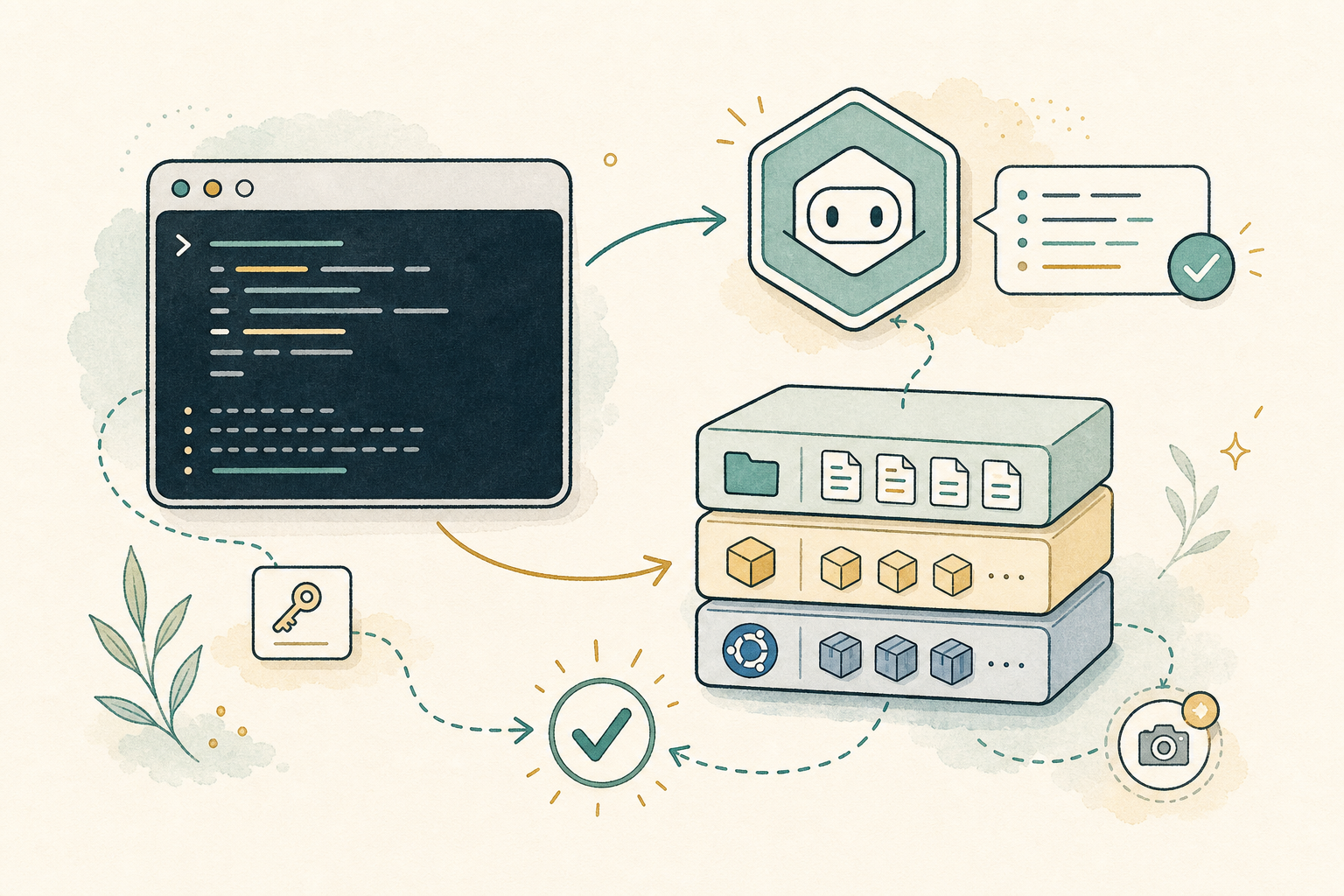
Use the terminal, Codex, apt, language packages, snapshots, and shared terminal history to make a project environment work.
Read the guide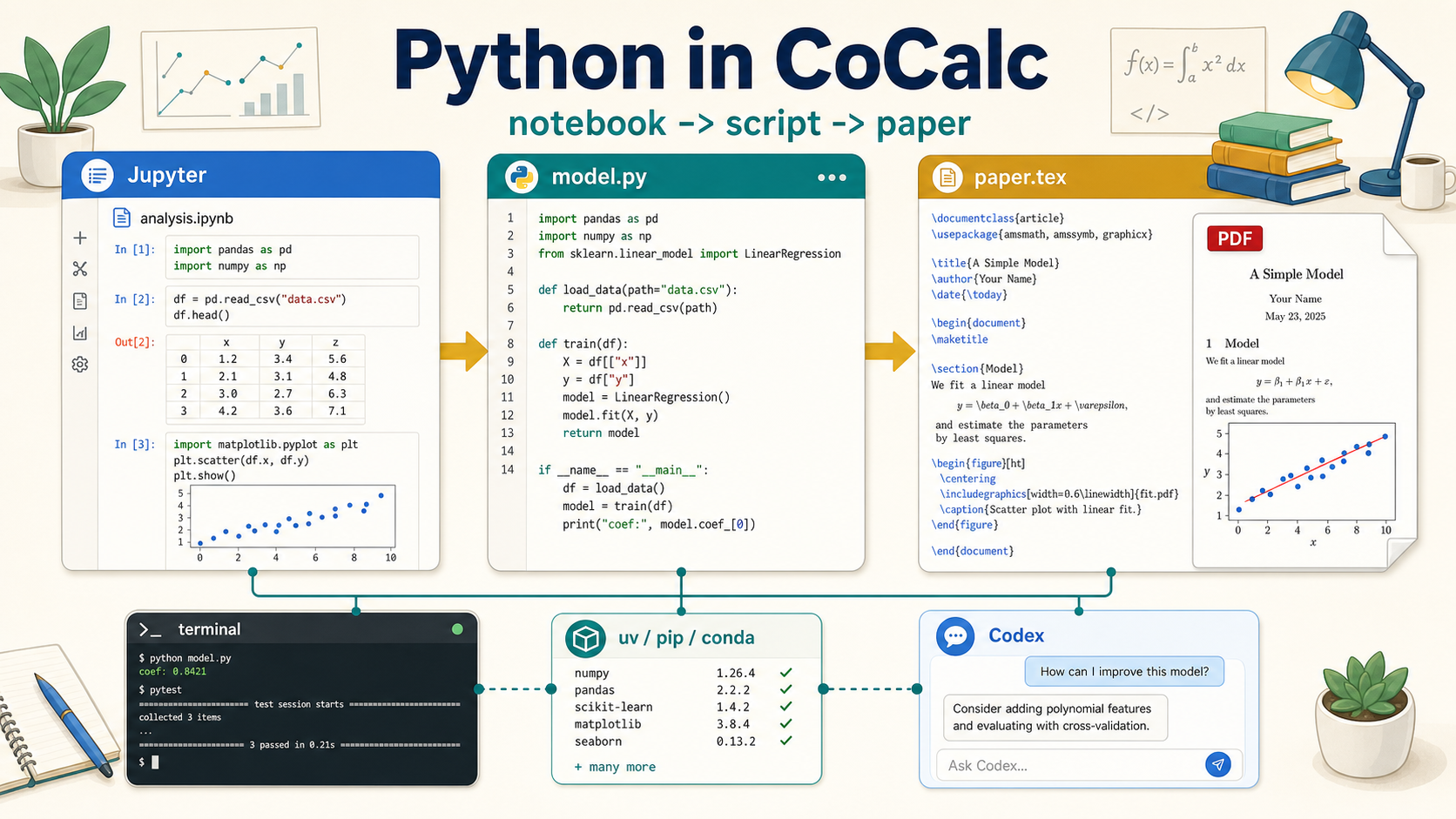
Move from notebook exploration to reusable scripts, real Linux package work, Codex-assisted debugging, and figures in papers.
Read the guide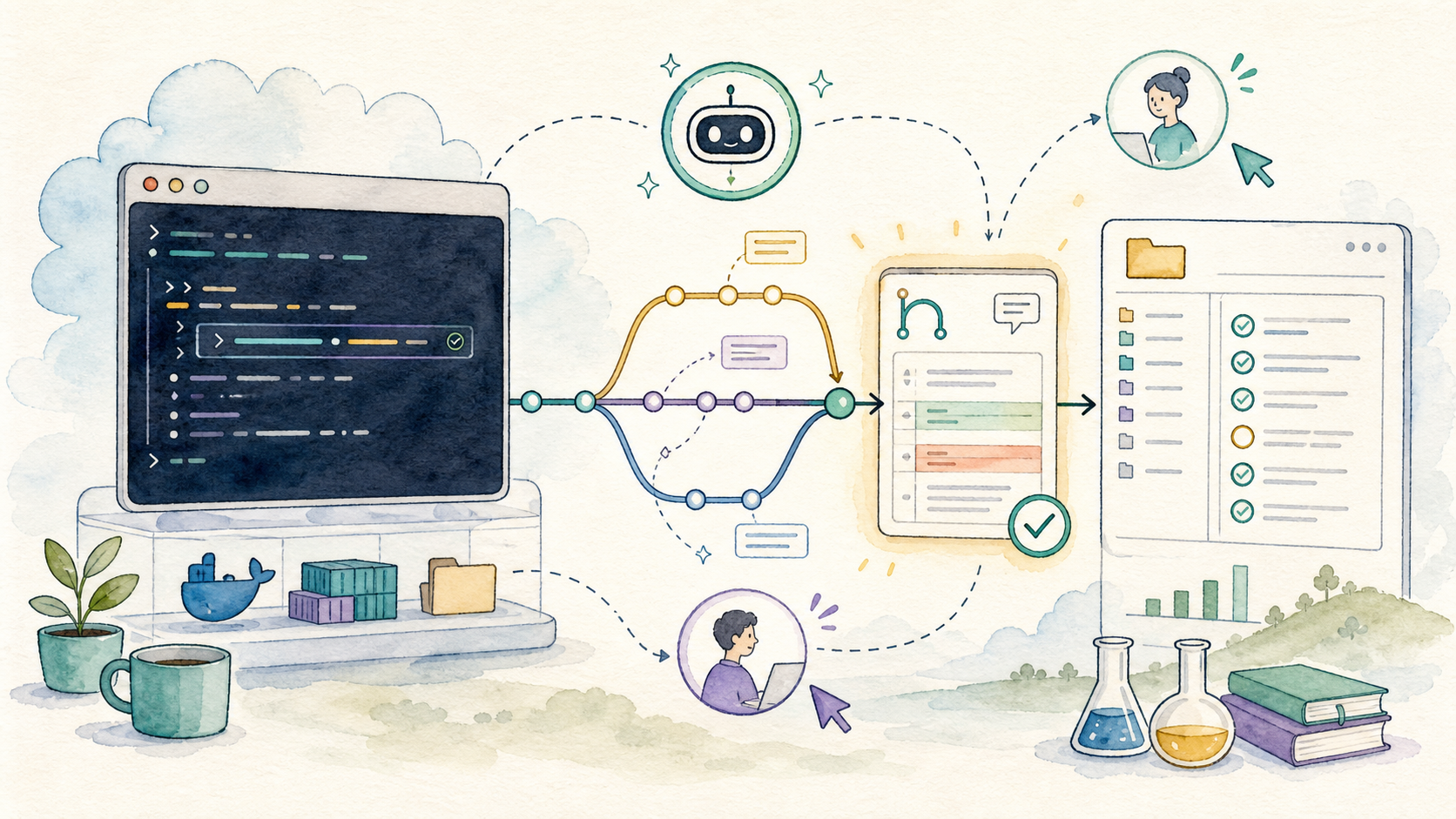
Install gh, authenticate, and let Codex help with
issues, pull requests, releases, and reviews.
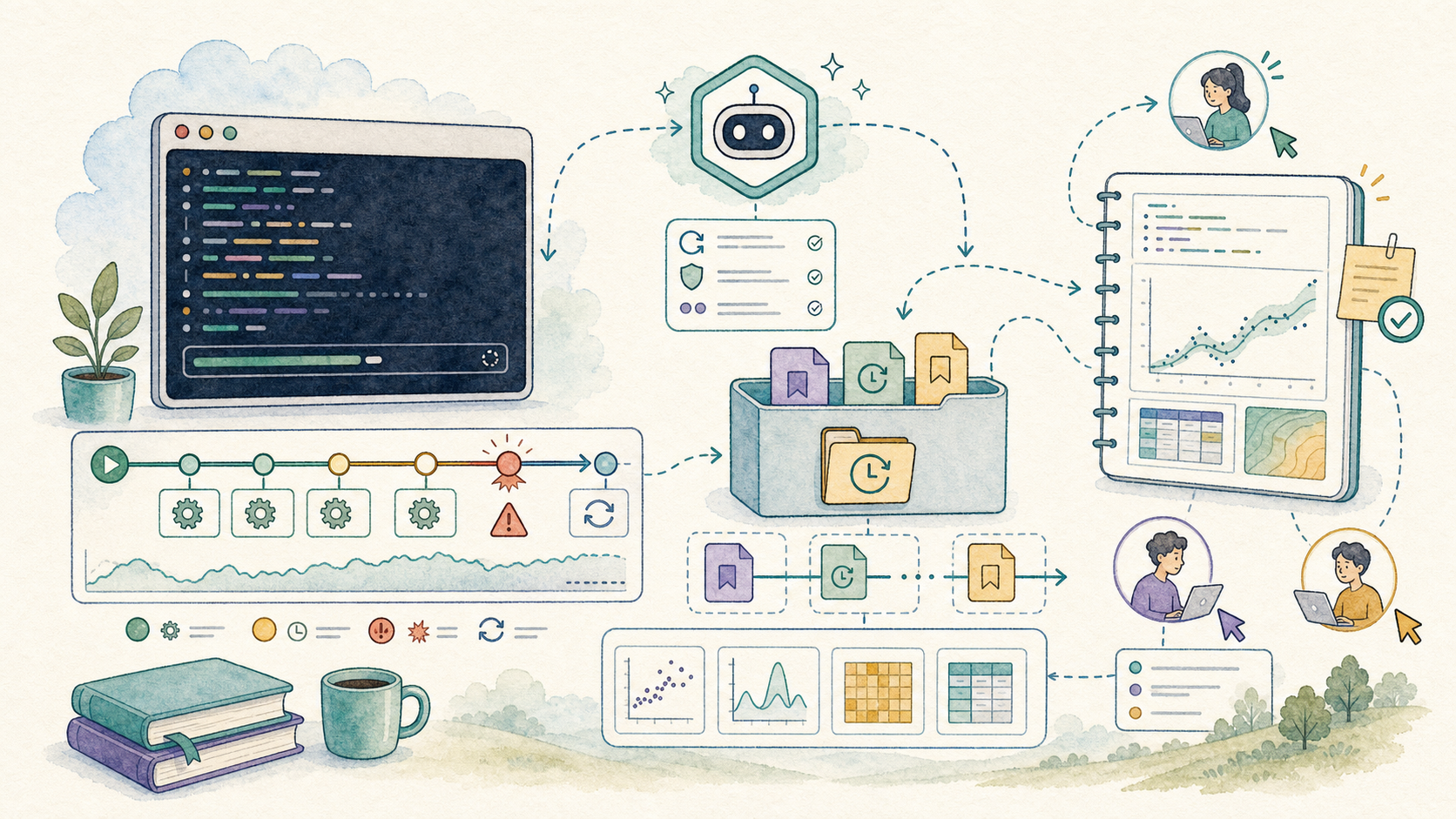
Let Codex manage logs, retries, partial outputs, summaries, and recovery for messy computations.
Read the guide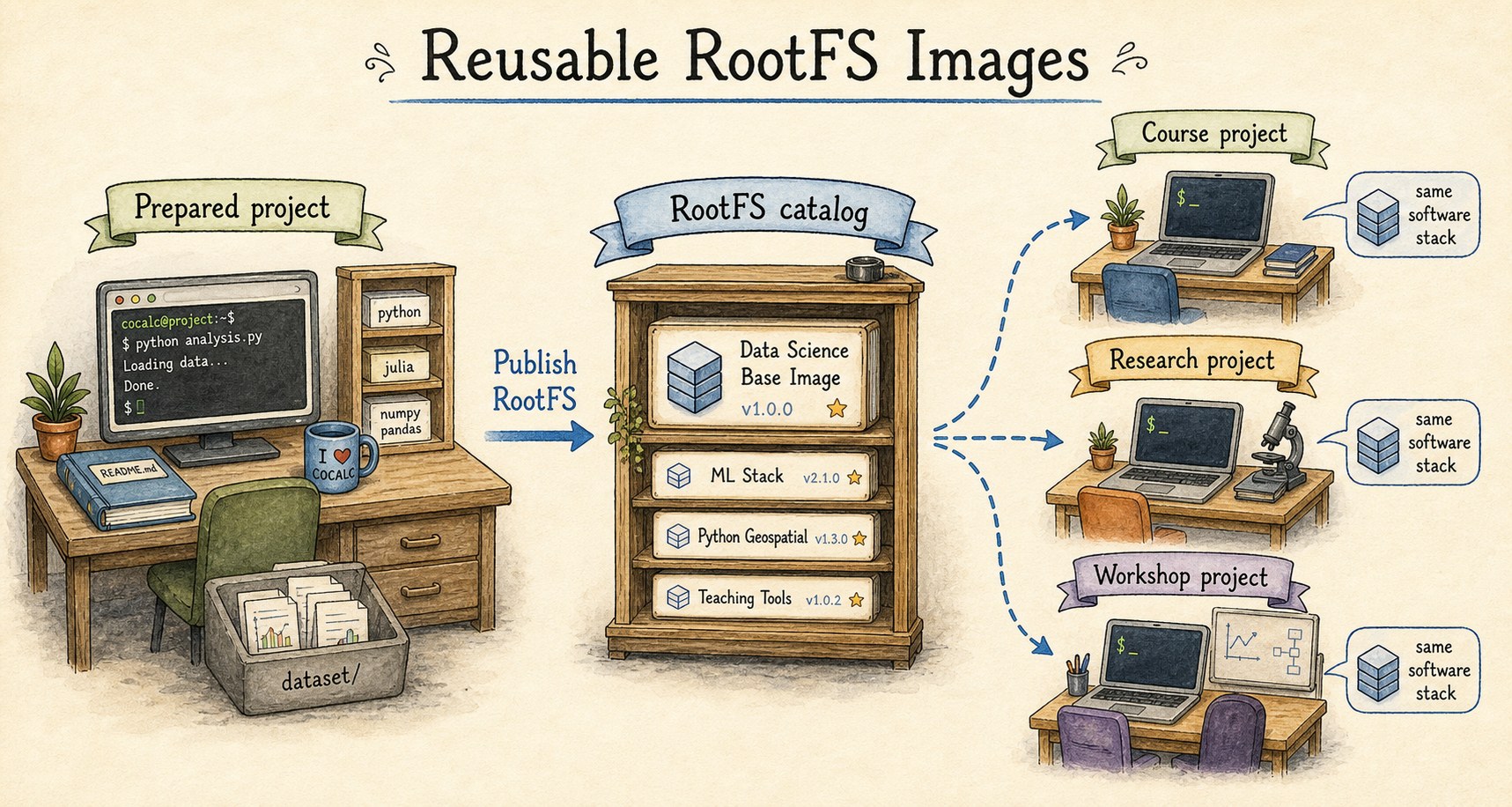
Publish exact software stacks for courses, teams, sites, and public library demos with versions, scans, and rollback.
Read the guide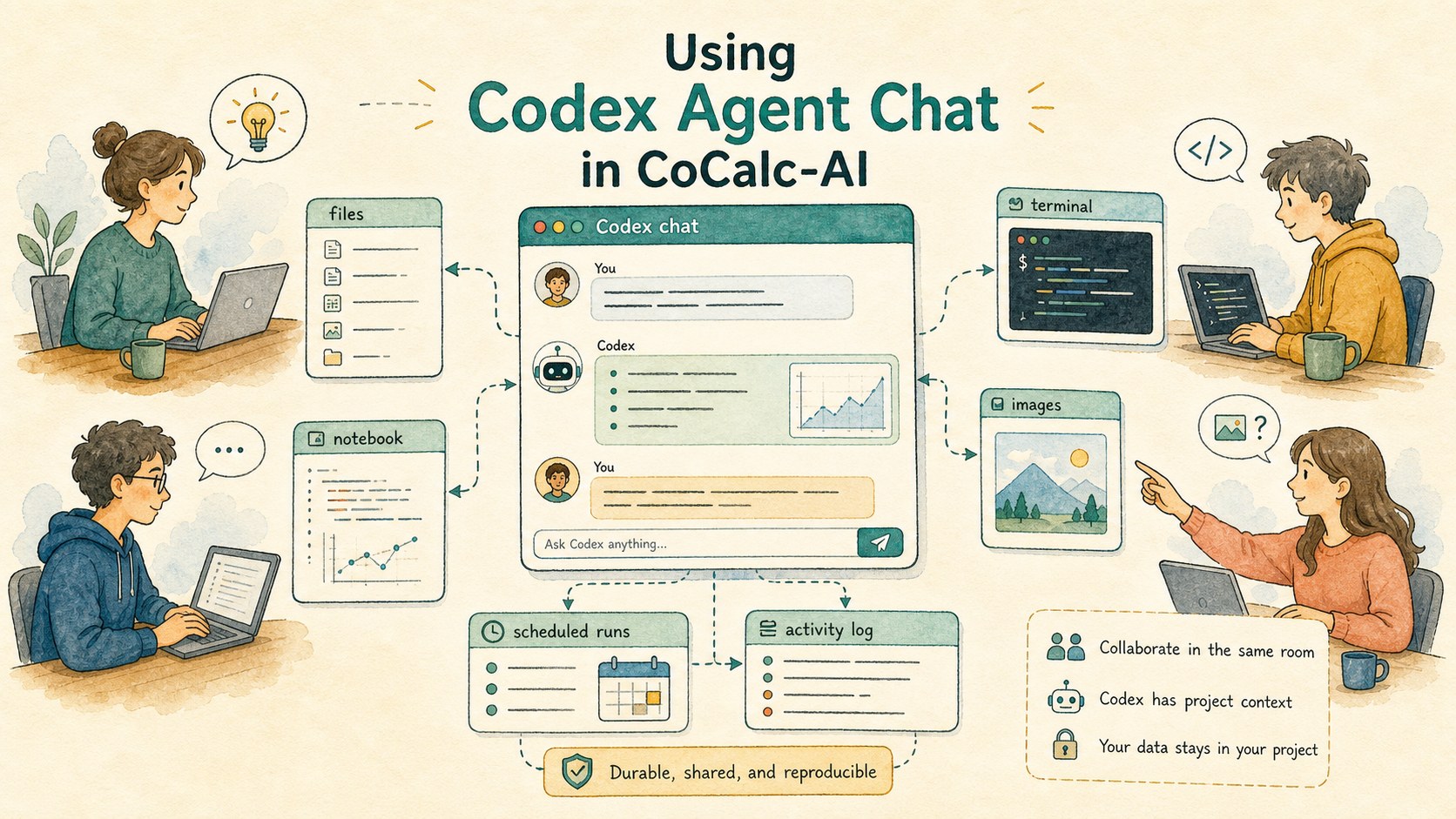
Use durable, collaborative Codex threads with rich prompts, images, automations, search, and project-native tools.
Read the guide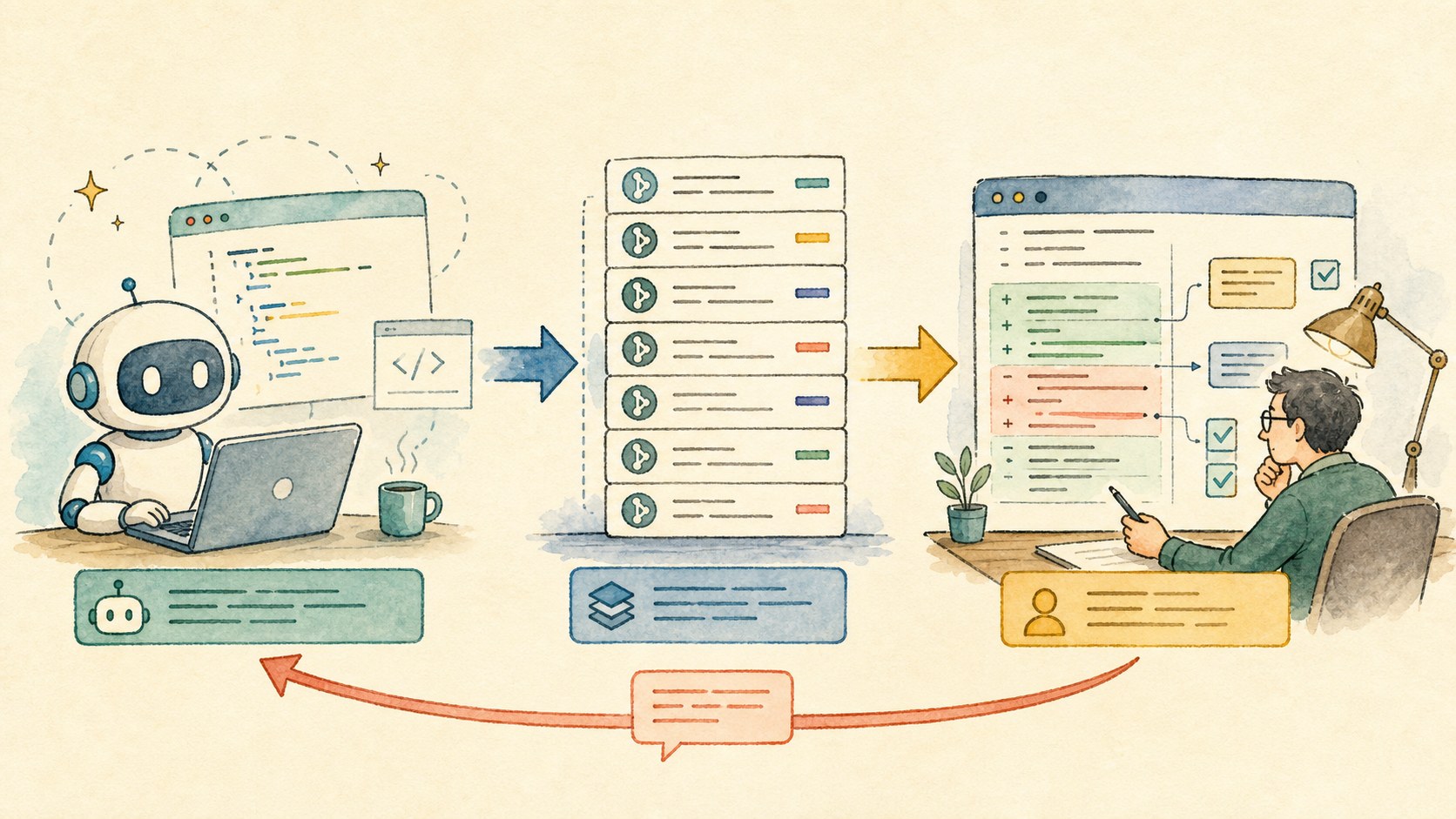
Use the git review drawer to inspect every agent commit, mark coverage, ask line-level questions, and avoid vibe coding.
Read the guide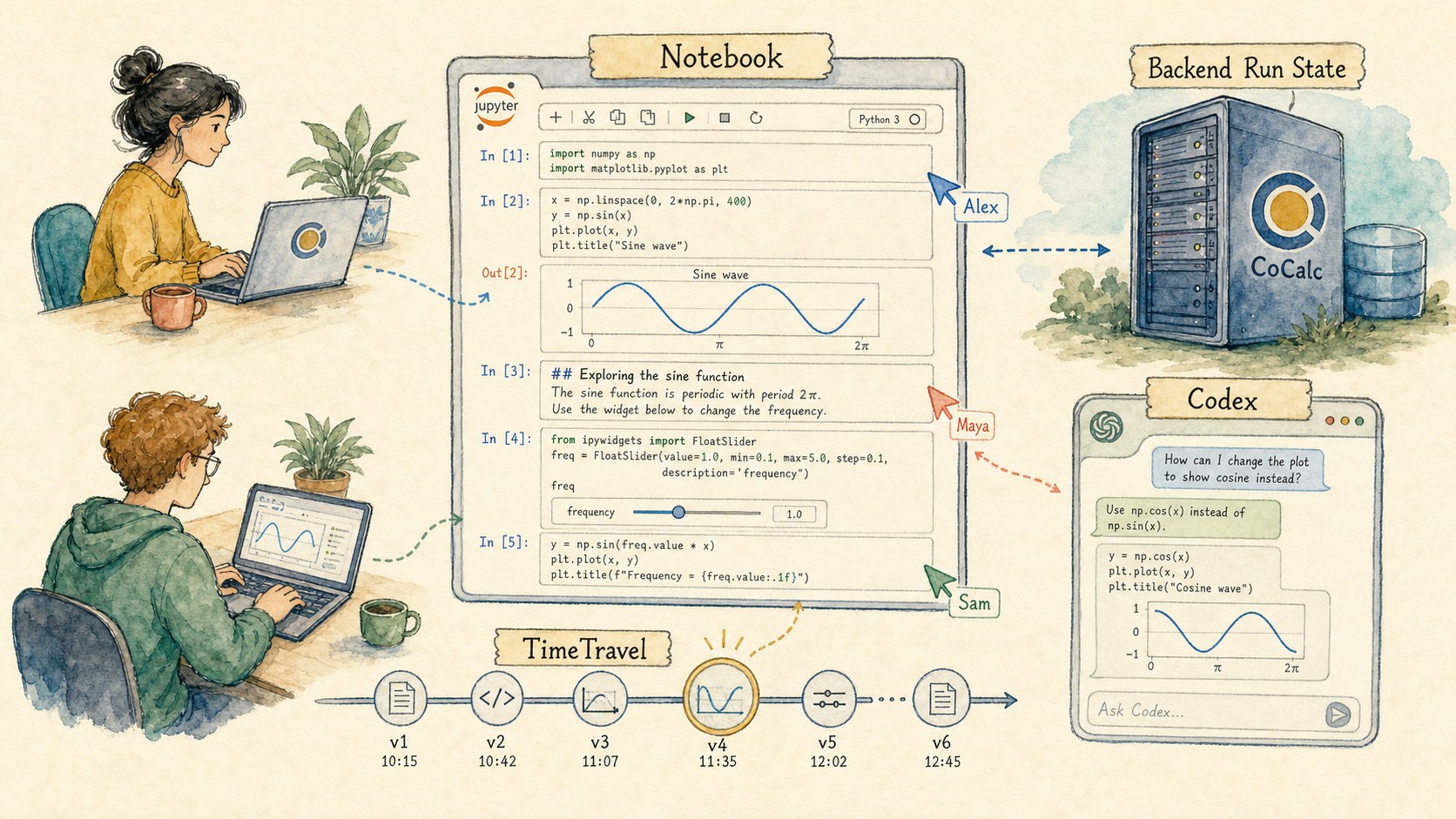
Use durable execution, realtime collaboration, TimeTravel, Codex, widgets, nbgrader, and whiteboard graph cells in one project.
Read the guide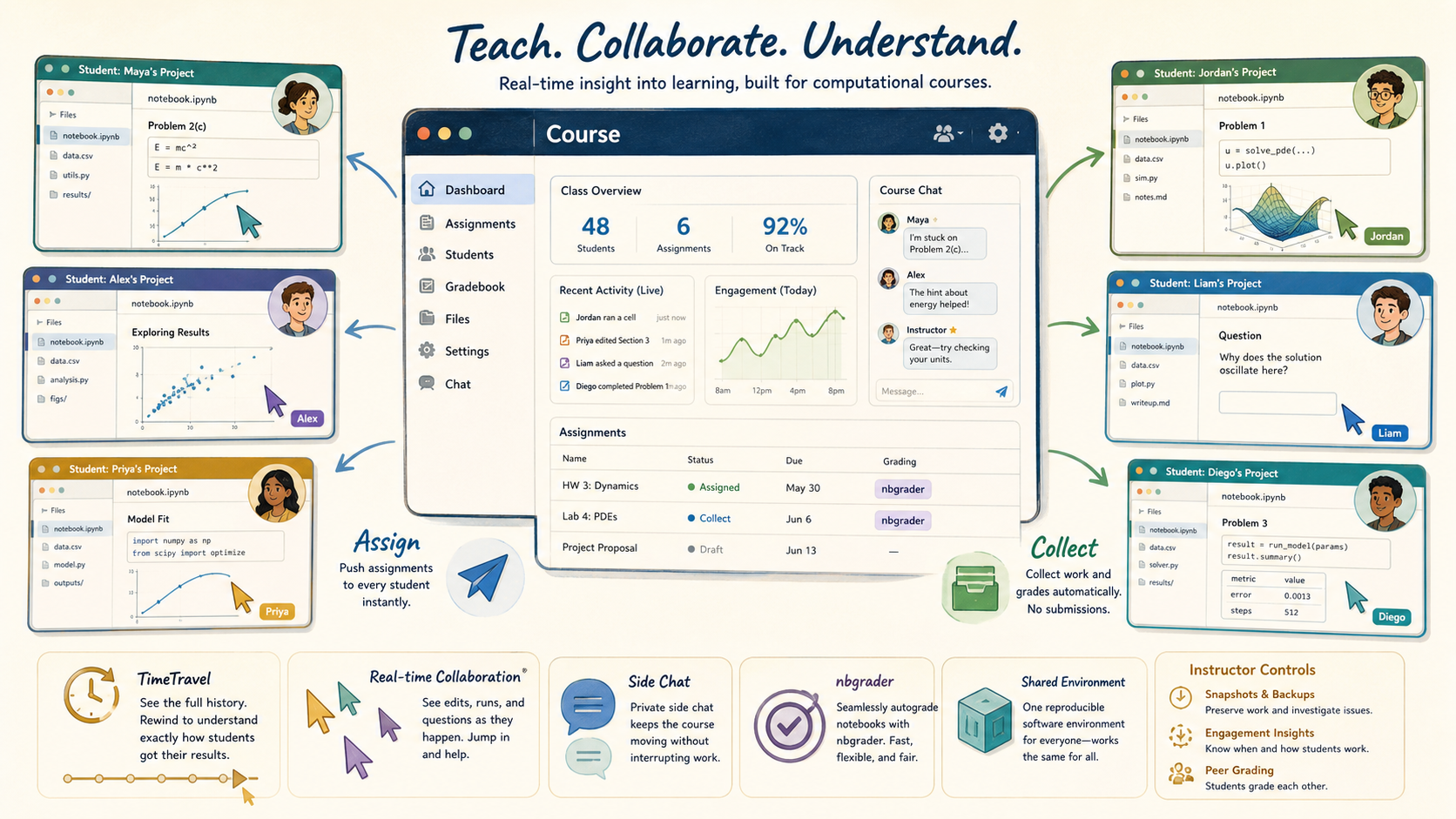
Understand CoCalc as a live computational classroom with student projects, assign/collect workflows, nbgrader, TimeTravel, and shared environments.
Read the guide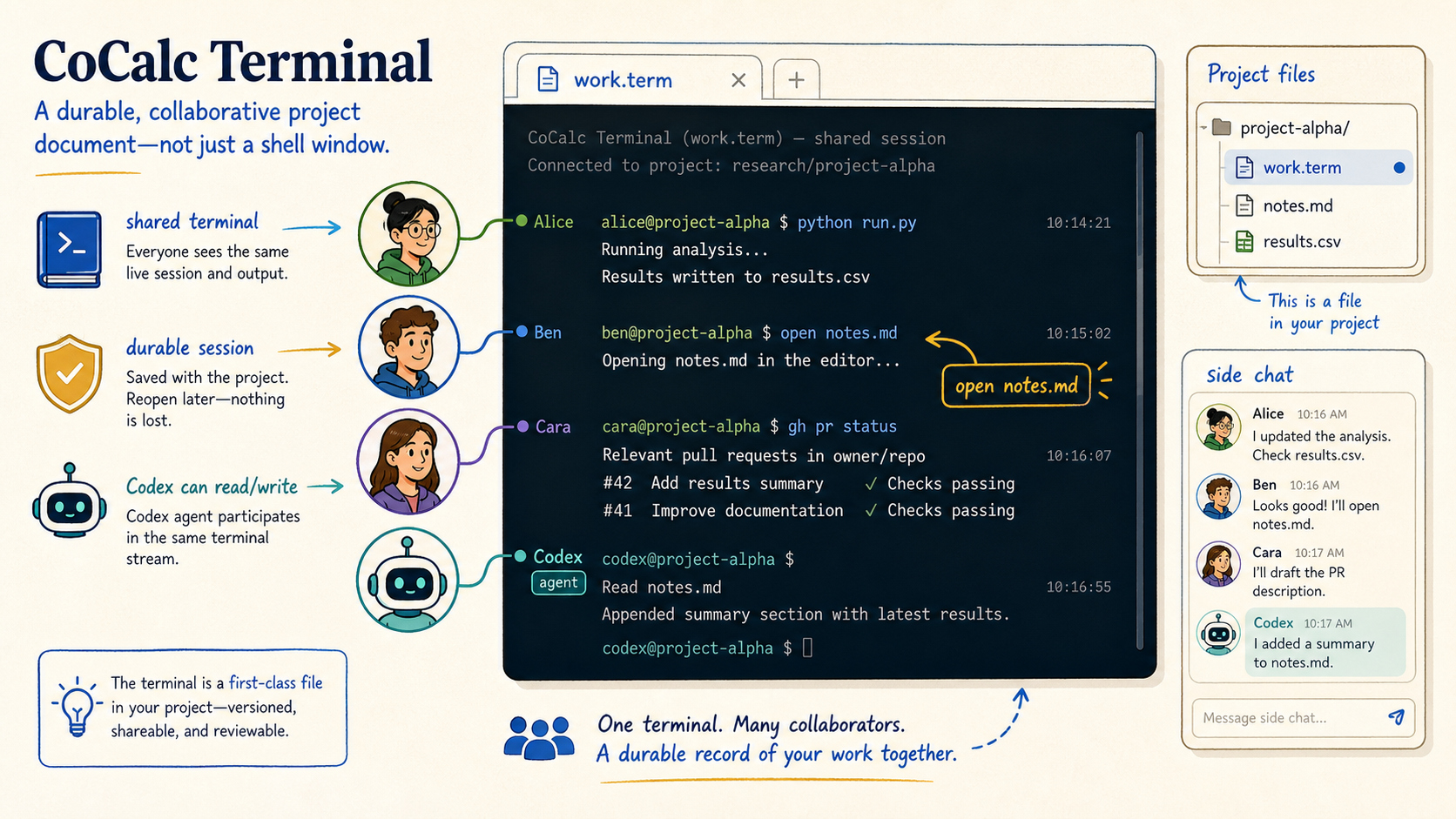
Understand the terminal as a durable collaborative project document: `.term` files, shared streams, side chat, splits, and agent-aware CLI tools.
Read the guide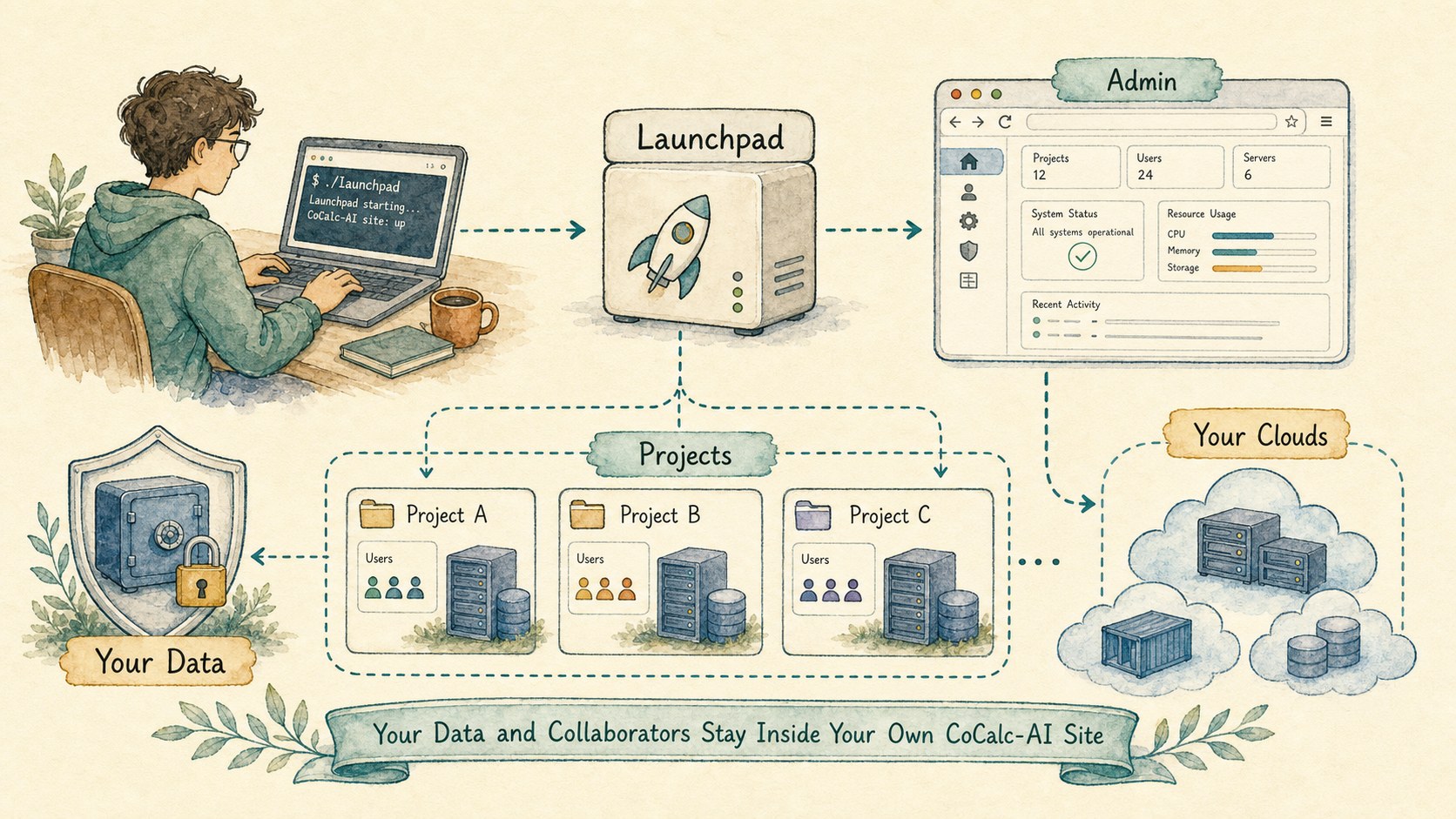
Run Launchpad for a small team, bring your own compute and security policy, then step up to Rocket when scale demands it.
Read the guide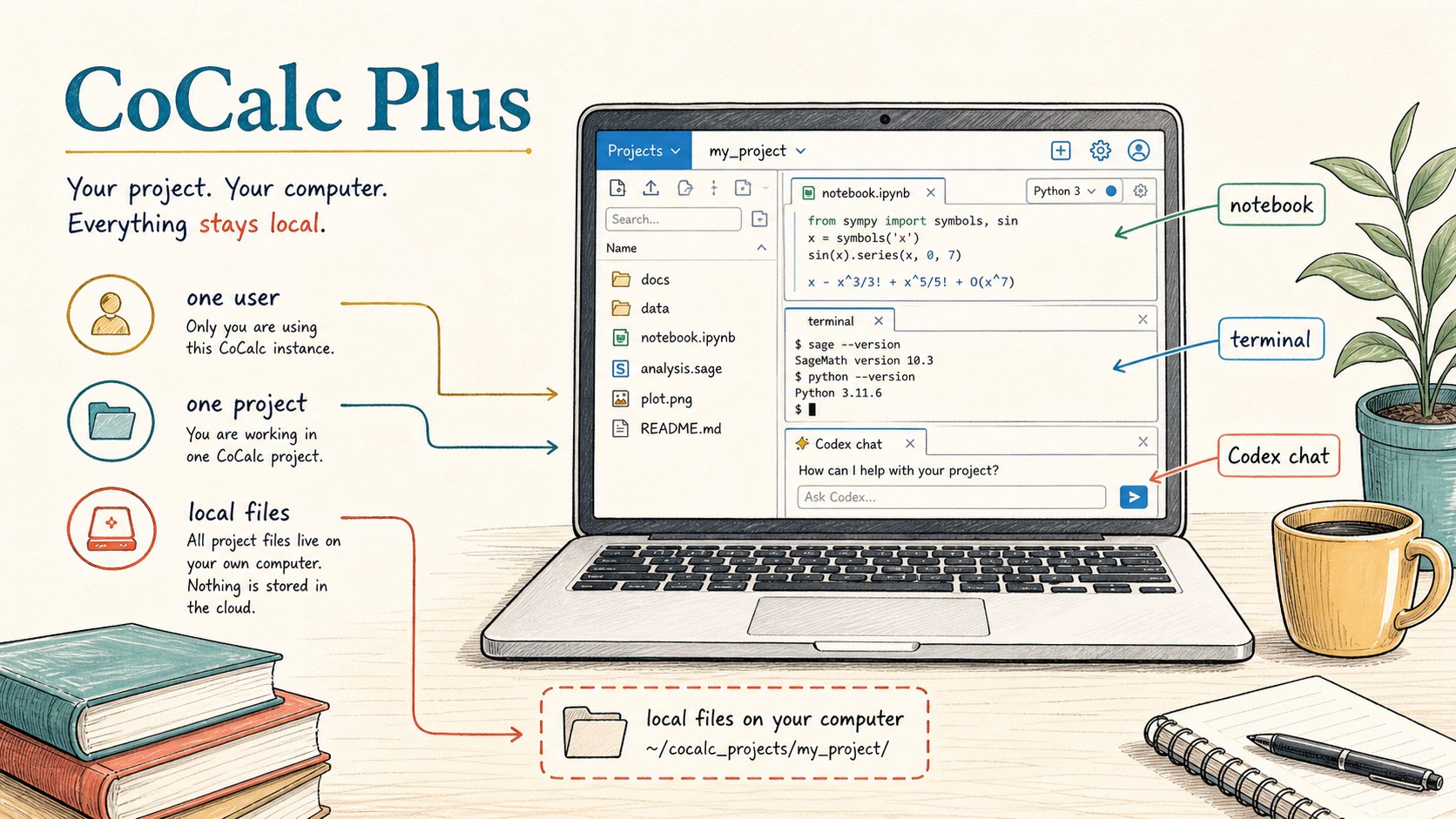
Install a free, self-contained one-user CoCalc on a laptop, workstation, or SSH machine, with remote launch and folder sync.
Read the guide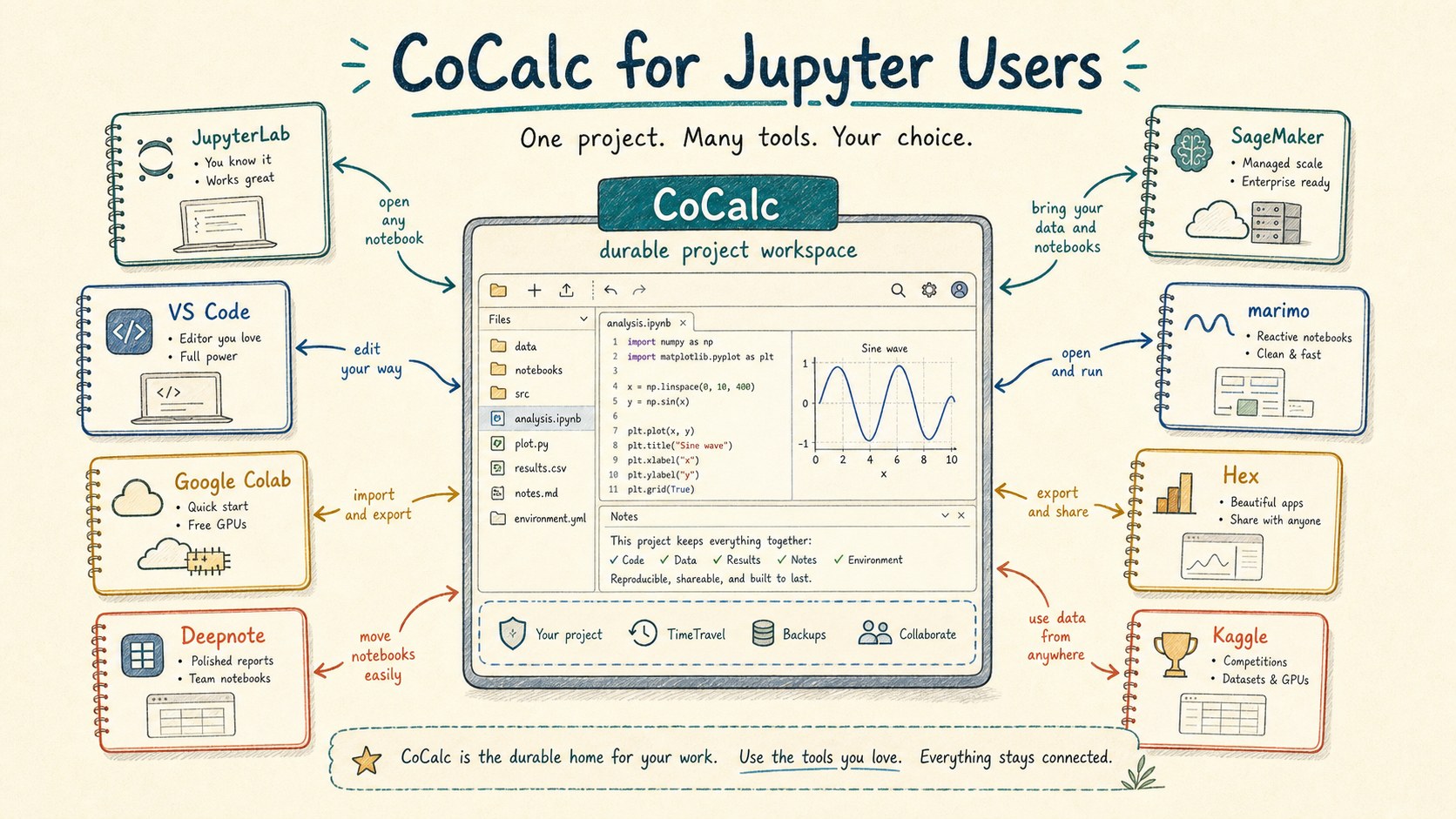
Compare CoCalc with JupyterLab, Colab, Deepnote, SageMaker, VS Code, marimo, Hex, Kaggle, and other notebook-centered tools.
Read the guide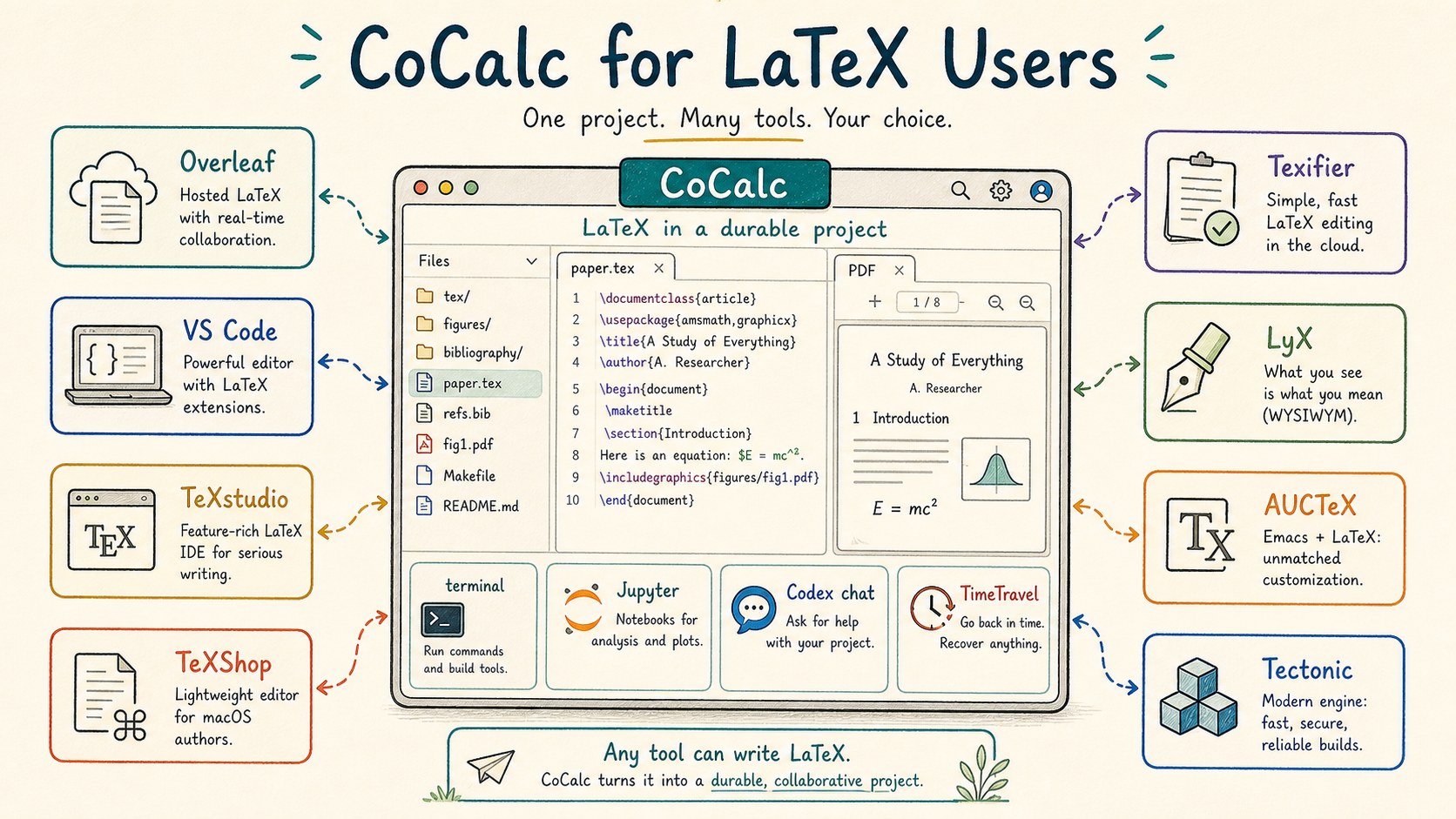
Compare CoCalc with Overleaf, VS Code, TeXstudio, TeXShop, LyX, AUCTeX, Tectonic, Typst, and other LaTeX workflows.
Read the guide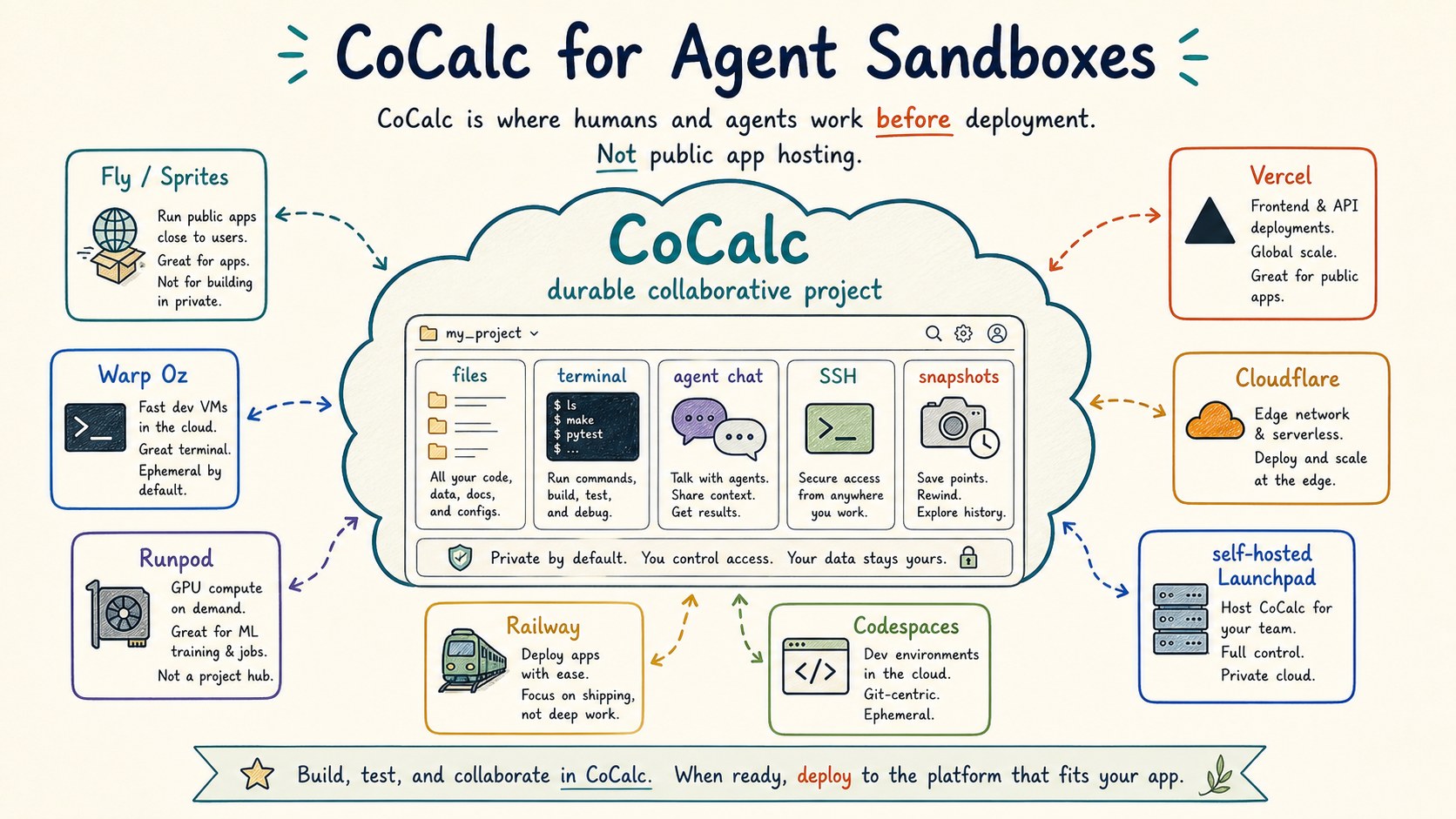
Understand CoCalc as a durable collaborative Linux project cloud for agents and humans, distinct from public app hosting.
Read the guide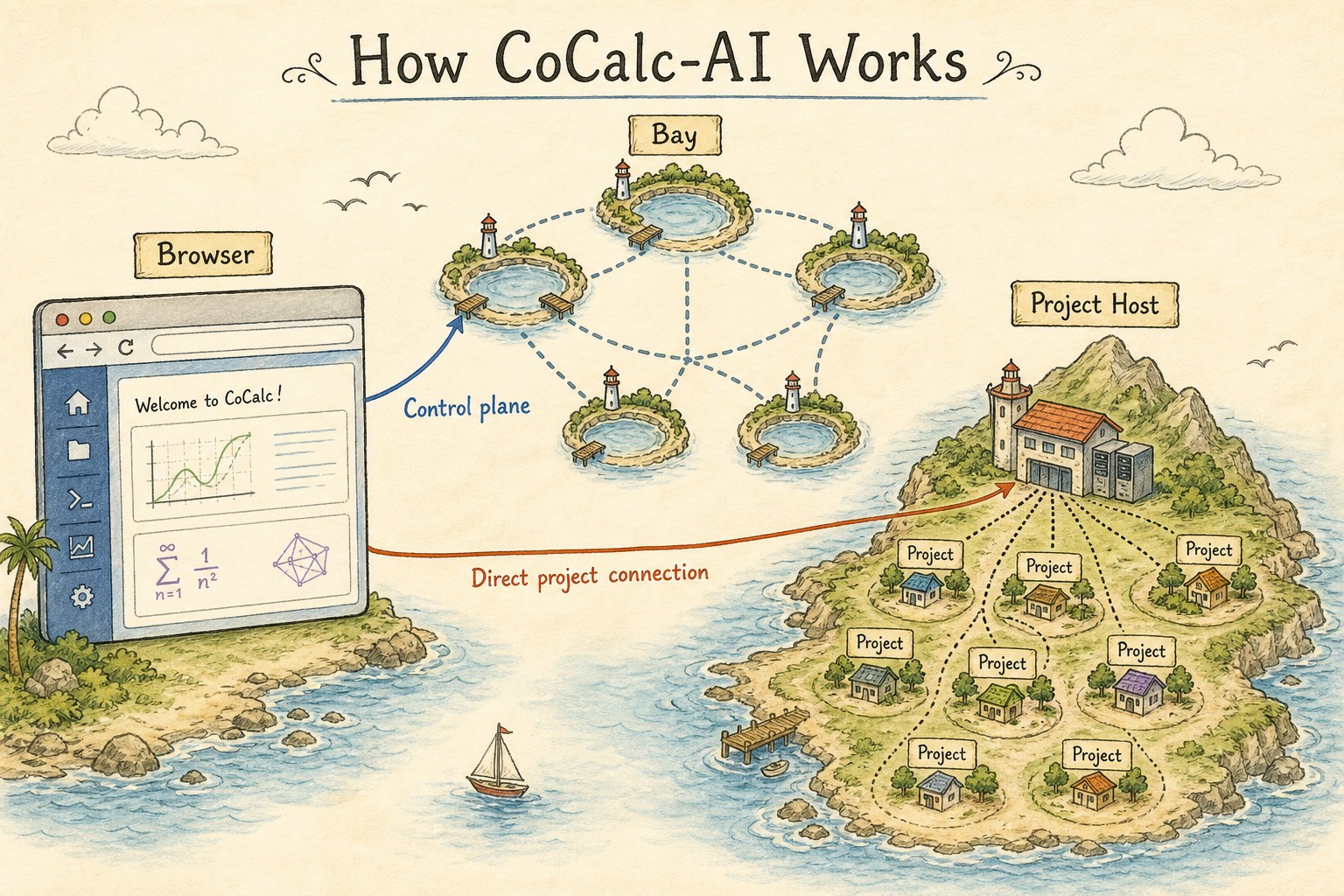
Learn the mental model behind bays, project hosts, direct browser routing, off-runtime sync, R2/Rustic storage, and Rocket scale.
Read the guide